JotNow™
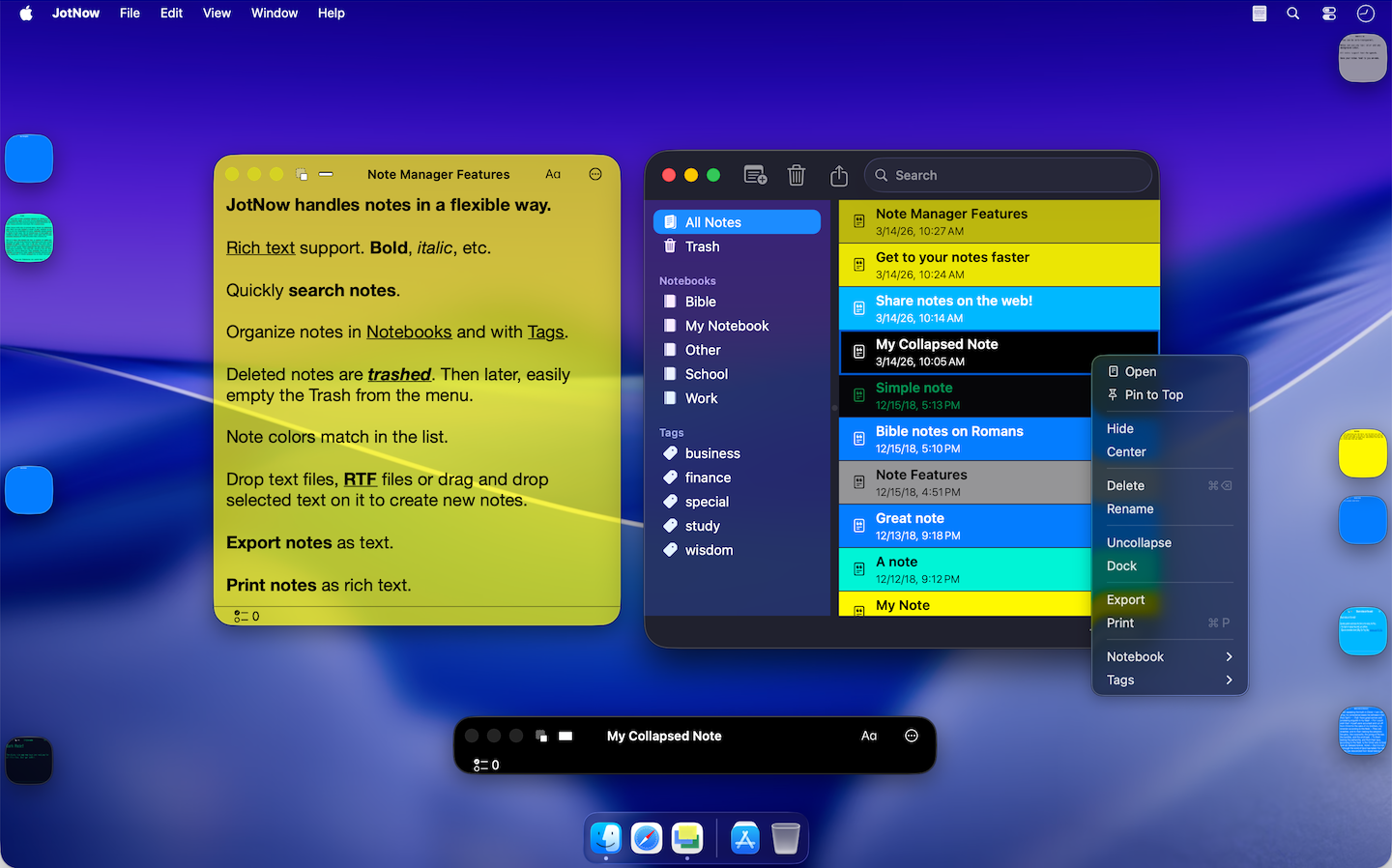
Built for people who think fast and need their tools to keep up. JotNow combines Markdown writing, blogging, keyboard-driven navigation, and AI agent integration into an easily accessible note layer for your Mac. Stop wrestling with your sticky note app, start capturing ideas at the speed you think.

Structured capture. Instant recall.
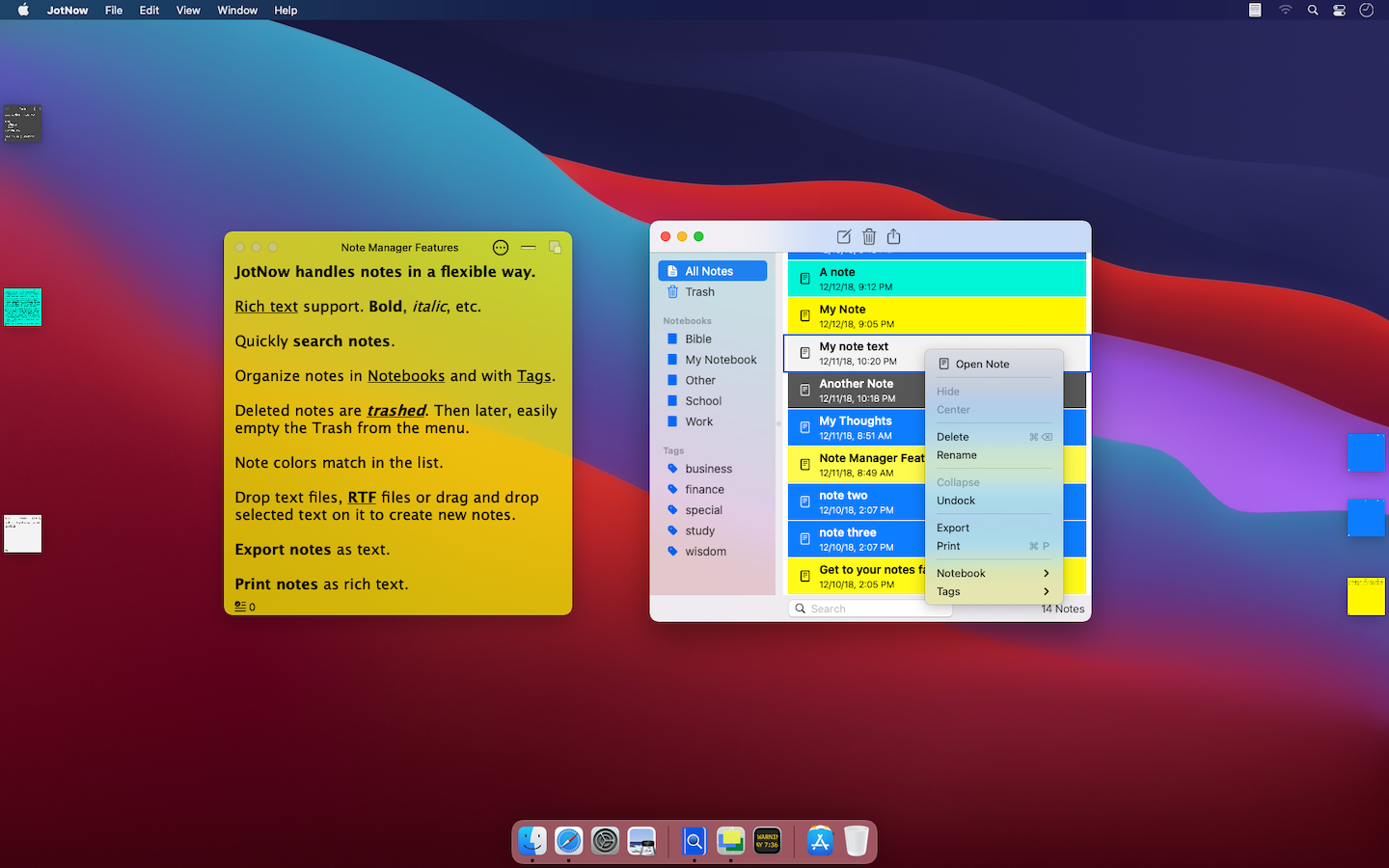
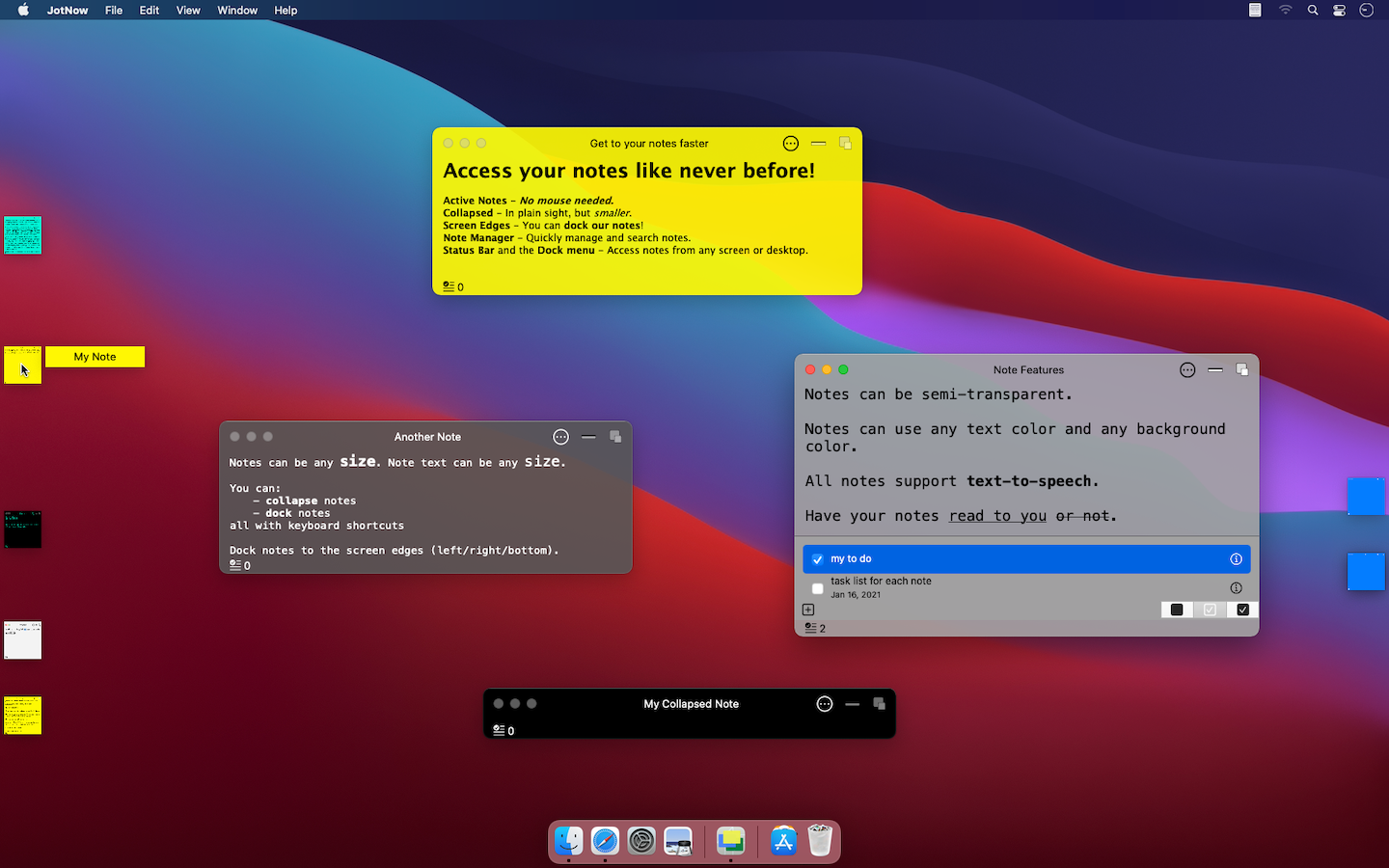
Organize notes into notebooks, tag them with precision, and surface any idea in seconds with note search. Dock notes to screen edges, pin them above active windows, or collapse them out of sight. Keeps your workspace clean without losing context.
Every feature is a keystroke away.
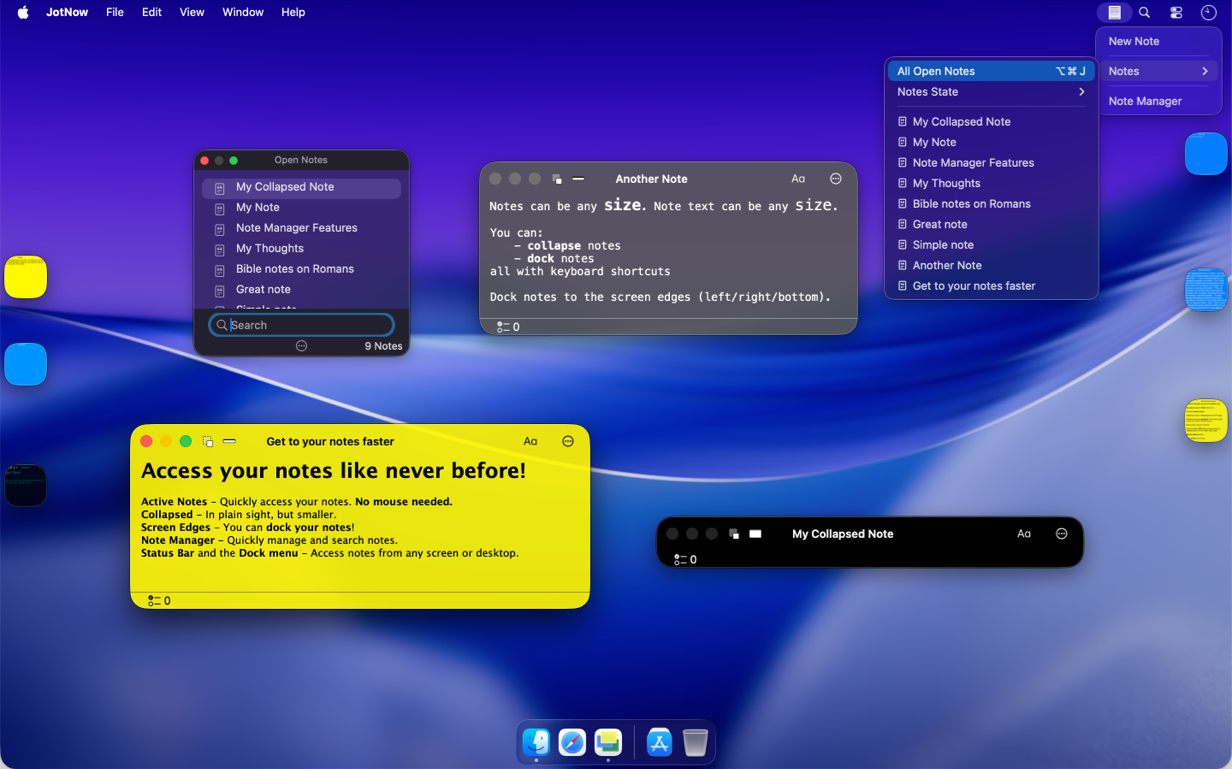
The global hotkeylets you create, find, and focus notes from any app - no mouse required. Switch between notes at the speed of thought using a system-wide HUD. Whether you're deep in a terminal or mid-document, JotNow is easy to reach in your flow.
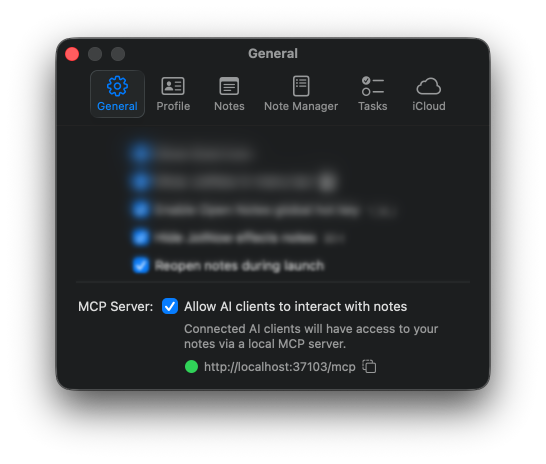
Your notes, wired into your AI workflow.
JotNow includes a built-in local MCP server with no cloud dependency that connects your notes directly to your AI agent workflow. Use JotNow as a persistent knowledge store. Let your agent read plans, write summaries, and search your notes without ever leaving the tools you already use. Compatible with agent tools like Claude Code and Visual Studio Code. Comes with four ready-to-use tools:
search_notes— find notes by keywordget_note— read a specific notecreate_note— add a new note from your agentupdate_note— edit an existing note
Note Features
- Write in Markdown or rich text — full syntax with bold, italic, headers, code blocks, and more.
- Publish notes to the web with short, shareable URLs. No account needed.
- Create blog posts anonymously — SEO-friendly URLs that search engines can index out of the box.
- Float sticky notes above any window — keep reference material visible while you work in another app.
- Per-note task lists — built-in to-do tracking without needing a separate app.
- Custom colors and transparency — visually tag notes by type, project, or priority at a glance.
- Dock notes to screen edges and collapse them — always accessible, never in the way.
- Freely resize and reposition notes — build a layout that matches how you think and work.
- Keyboard-shortcut access — do more without moving hand positions.
- Continuous auto-save — your content is stored immediately, no
⌘Srequired. - Sync task reminders to Apple Reminders — deadlines follow you across devices.
Note Manager Features
- Instantly search across your entire note library — find anything in milliseconds.
- Export to txt, RTF, and other portable formats; import from multiple sources like Evernote.
- Color-coded note list — identify notes by type, project, or priority at a glance.
General Features
- Global keyboard shortcuts — reach JotNow from any app without switching windows. See the support docs for the full shortcut reference.
- iCloud sync across all your Macs — notes stay current wherever you work.
- Minimalist presence — hide the Dock icon and run it from the menu bar.
- AI-ready with a built-in local MCP server. Seamlessly integrate JotNow into your agent workflow using tools like Claude Code or VS Code — search, read, create, and update notes directly from your AI agent.
- Import Evernote backups (.enex files) to bring your existing notes into JotNow. Text content is fully imported; images and file attachments are not included.
- Unlimited notes, notebooks, and tags — no artificial caps, no performance degradation at scale.
- Full backup and restore via iCloud or local files — every note, tag, color, and to-do is preserved in the archive.
- Dock and menu bar access — access your notes either places.
- Local-first, rock-solid reliability — data is stored on your machine first. Your notes will not disappear.
- Dark mode.
and much more…